Easy setup
Open the app, follow the on-screen steps, start playing. Works in small living rooms too.
- 01
Stand your iPhone up.
In front of the TV, just below the screen. Landscape, back camera facing the room, about 1 m off the floor. A phone tripod is easiest.
- 02
Pair it with your TV, once.
Open the app on your TV. It shows its address, like 192.168.1.23. Type that into the phone and press Start. Both need the same Wi‑Fi, and the phone remembers the address.
- 03
Step back and play.
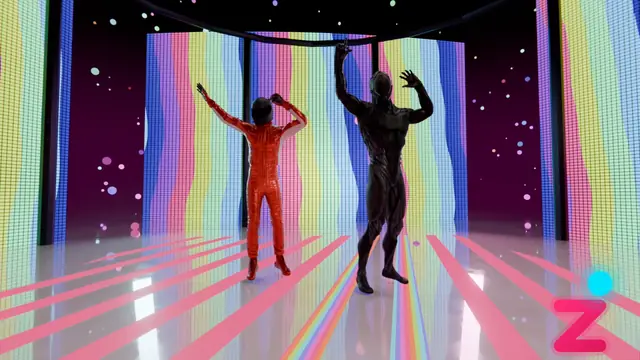
Stand 2–3 m from the TV, facing it. You appear in the game on your TV, and the sound plays from the TV's speakers.
No controller. No extra gear. Nothing to hold.
What you need
Check your setup.
You're set.
Other phones aren't supported.
While you play
It waits for you.
Step out of view, or let someone wander in close, and the game pauses with one clear instruction, like STAND HERE or SHOW YOUR FEET. Fix it and it carries on.
- WE CAN SEE YOU
- JUST YOU
- FEET IN VIEW
- ON YOUR SPOT
- LIGHTS ON
PAUSED — nothing lost
While you play, the TV keeps checking these five things.
Questions
How do we pick a game?
There's nothing to pick. Games play one after another on the TV, and the remote skips to the next one.
Do I need a tripod?
You need something that holds the phone still in landscape, about 1 m up. A phone tripod is easiest; a shelf at that height works too.
Can two people play at once?
One player at a time. If someone steps in close, the game pauses until the floor is clear.
Does my phone get hot?
It does not drain your battery any more than your camera does. The app dims the phone's screen while you play, and if the phone heats up it eases off or takes a short break.
Does it work with an Android phone?
Not today. It needs an iPhone.
Where does the music come from?
Your TV's speakers.
Is the camera picture uploaded?
No. Your iPhone sends it to your TV over your home Wi‑Fi, and neither app uploads it to any device outside your home.
Find out more
Subscription starting at $4.99.